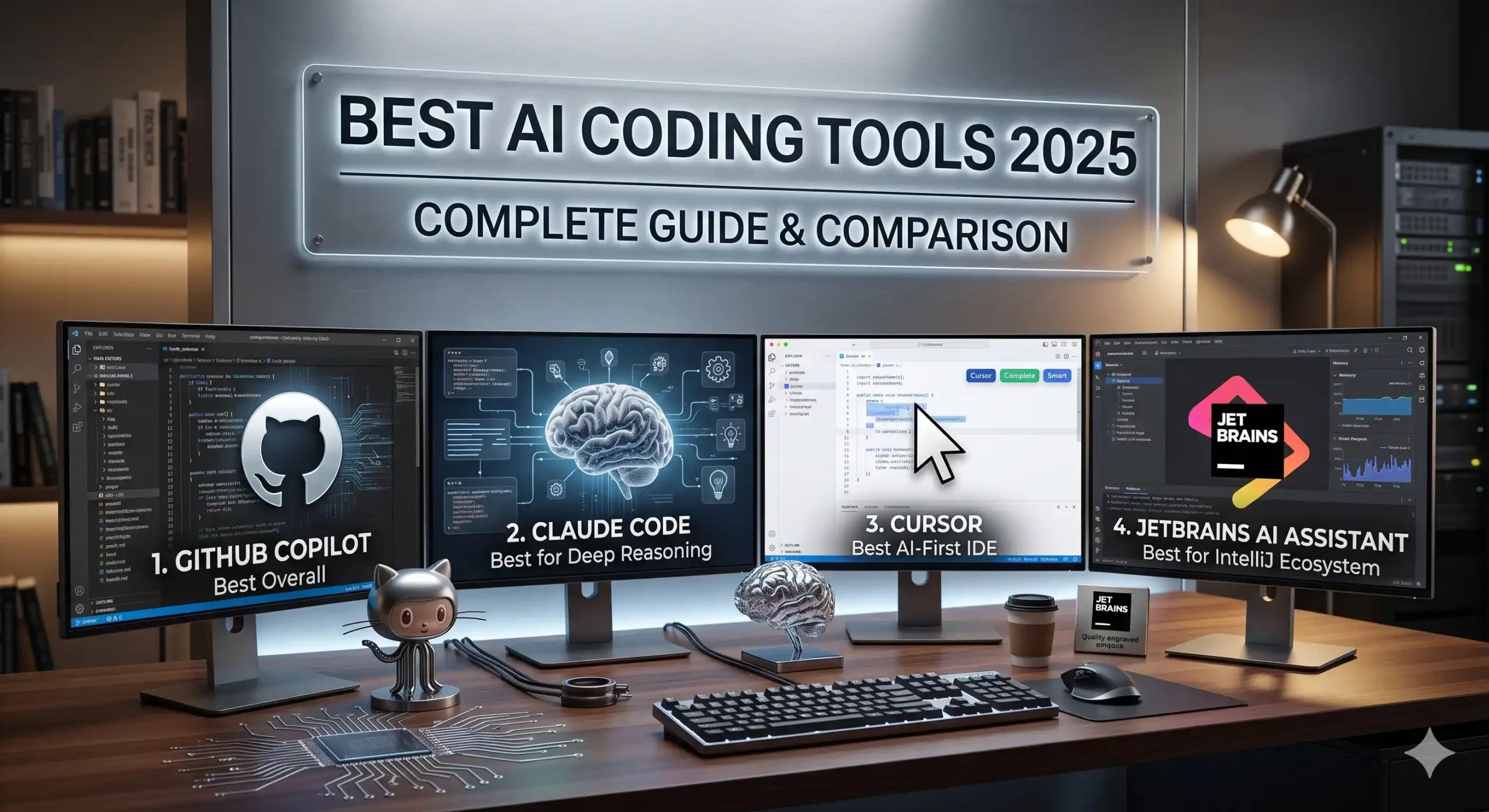
Welcome to the ultimate guide to Best AI Coding Tools 2026. This year, developers who leverage AI are shipping faster, debugging cleaner, and writing better code than ever before. We have moved beyond basic autocomplete and clipboard-style snippet tools. Today’s landscape features autonomous coding agents, context-aware refactoring engines, and AI tools that understand your entire codebase.
Whether you are a full-stack developer building production web applications, a data engineer optimizing data pipelines, or an indie maker shipping MVPs solo, the right AI coding assistant is your most powerful force multiplier. The best Best AI Coding Tools 2026 do more than suggest code — they reason, plan, and ship alongside you.
Table of Contents
If you want to code smarter, debug faster, and build better software, here is the complete guide to Best AI Coding Tools 2026 that you should bookmark now.
What Are the Best AI Coding Tools 2026?
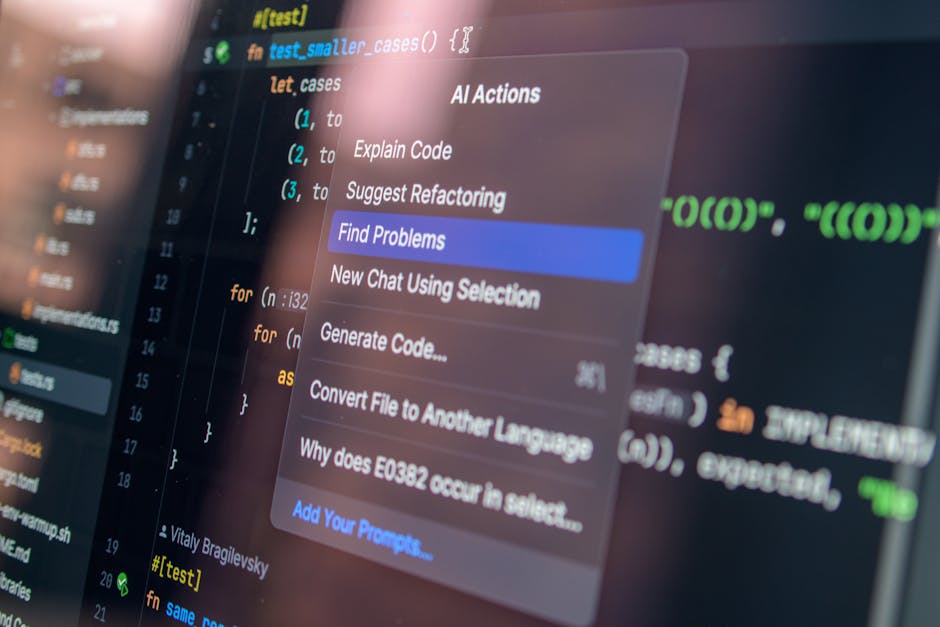
When choosing the best AI coding tools in 2026, focus on context awareness, language support, and how deeply the tool integrates with your existing workflow. The tools below represent the most capable Best AI Coding Tools 2026 available — each tested against real-world coding tasks including REST API development, memory leak debugging, unit test generation, and code refactoring.
1. GitHub Copilot: Best Overall
GitHub Copilot remains the most widely-deployed AI coding assistant in 2026. Integrated directly into VS Code, JetBrains IDEs, Neovim, and Azure Data Studio, it provides real-time inline suggestions as you type. Among all the Best AI Coding Tools 2026 tested, Copilot excels at boilerplate code, SQL queries, API endpoint scaffolding, and working within familiar frameworks.
The new Copilot Chat interface adds a conversational layer on top of inline suggestions. You can ask it to explain unfamiliar code, debug a tricky error, or generate a full function from a plain-language description. Its context-awareness has improved significantly — it now considers your open files and recent edits when generating suggestions.
Best for: Full-stack developers, backend engineers, and anyone already invested in the GitHub ecosystem who wants a powerful all-round AI coding assistant.
2. Claude Code: Best for Deep Reasoning
Claude Code (from Anthropic) is a CLI-based AI coding tool that can browse repositories, write and edit files, run tests, and commit code directly from your terminal. Its reasoning chain is noticeably deeper than competitors — it explains its decisions rather than just outputting code, and it can handle multi-step tasks that require tracking changes across multiple files.
Where Copilot shines at fast single-line suggestions, Claude Code excels at complex, multi-file refactors, architecture-level thinking, and understanding large codebases. It supports Python, JavaScript, TypeScript, Rust, Go, SQL, and virtually every other language. The free tier is surprisingly generous with no request caps on file access.
Best for: Senior engineers, open-source contributors, and developers who prefer a terminal-native workflow and want an AI that thinks through problems before writing code.

3. Cursor: Best AI-First IDE
Cursor is an AI-first code editor built on VS Code. Unlike Copilot, which adds AI to an existing editor, Cursor was designed around AI from day one. Features like @-mentions (referencing files, docs, and errors inline), Cmd-K for inline edits, and Composer for multi-file generation make it the most innovative AI code editor in 2026.
Cursor’s composer feature is particularly powerful — you can describe a feature and have it generate and connect multiple files simultaneously, then review the changes in a diff view before applying them. The @-mention system lets you pull in specific files, documentation, or error output into the AI context without switching windows.
Best for: Developers who want the most innovative AI editing experience, indie hackers building MVPs quickly, and those who prefer a full IDE over a CLI tool.

4. JetBrains AI Assistant: Best for IntelliJ Ecosystem
If you live in the JetBrains ecosystem (PyCharm, WebStorm, IntelliJ IDEA, DataGrip), the built-in JetBrains AI Assistant is worth serious consideration. It leverages multiple LLM providers including Claude and GPT-4, and integrates deeply with the IDE’s understanding of your project’s structure, dependencies, and class hierarchies.
Unlike VS Code extensions, JetBrains AI has native awareness of your entire project model — it knows about your classes, methods, imports, and framework conventions. This means more relevant suggestions, smarter refactoring, and better context for AI-generated code. It is included in all JetBrains subscription tiers.
Best for: Developers already in the JetBrains ecosystem who want seamless AI integration without installing third-party plugins, and those who benefit from deep project-model awareness.

Final Thoughts: Building Your AI Coding Stack
You do not need to use every tool on this list to be a more productive developer. The key is identifying your biggest bottleneck — whether it is boilerplate coding, complex debugging, multi-file refactoring, or architecture planning — and adding the right AI assistant to address it. The best Best AI Coding Tools 2026 are force multipliers, not replacements for engineering judgment.
Start with one tool that fits your existing workflow, integrate it into your daily routine, and measure the impact over two weeks. Once it becomes second nature, evaluate whether a second tool fills a gap the first one does not. Even the most powerful AI productivity tools require a learning curve before they truly pay off.
Which AI coding tool is giving you the biggest edge this year? Share it in the comments below!
